Your IPTV subscription is only as good as the app you watch it on. The right player makes everything feel premium — fast channel switching, a clean program guide, and rock-solid playback. The wrong one makes even a great subscription feel clunky. If you stream on an Amazon Firestick or Android TV device, this guide will help you pick the perfect IPTV app.
Both platforms are hugely popular for IPTV because they are affordable, portable, and support a wide range of player apps. Let's look at what to prioritize and which apps consistently deliver.
What to Look for in an IPTV App
Before naming specific apps, it helps to know what separates a great IPTV player from a mediocre one. These features make the biggest difference to your day-to-day experience.
- A clean, responsive interface that is easy to navigate with a remote.
- Full EPG (electronic program guide) support so you can see what's on now and next.
- Smooth playback with hardware acceleration for 4K and FHD streams.
- Easy playlist management and the ability to save multiple subscriptions.
- Favorites, search, and category filtering to find content fast.
Best IPTV Apps for Amazon Firestick
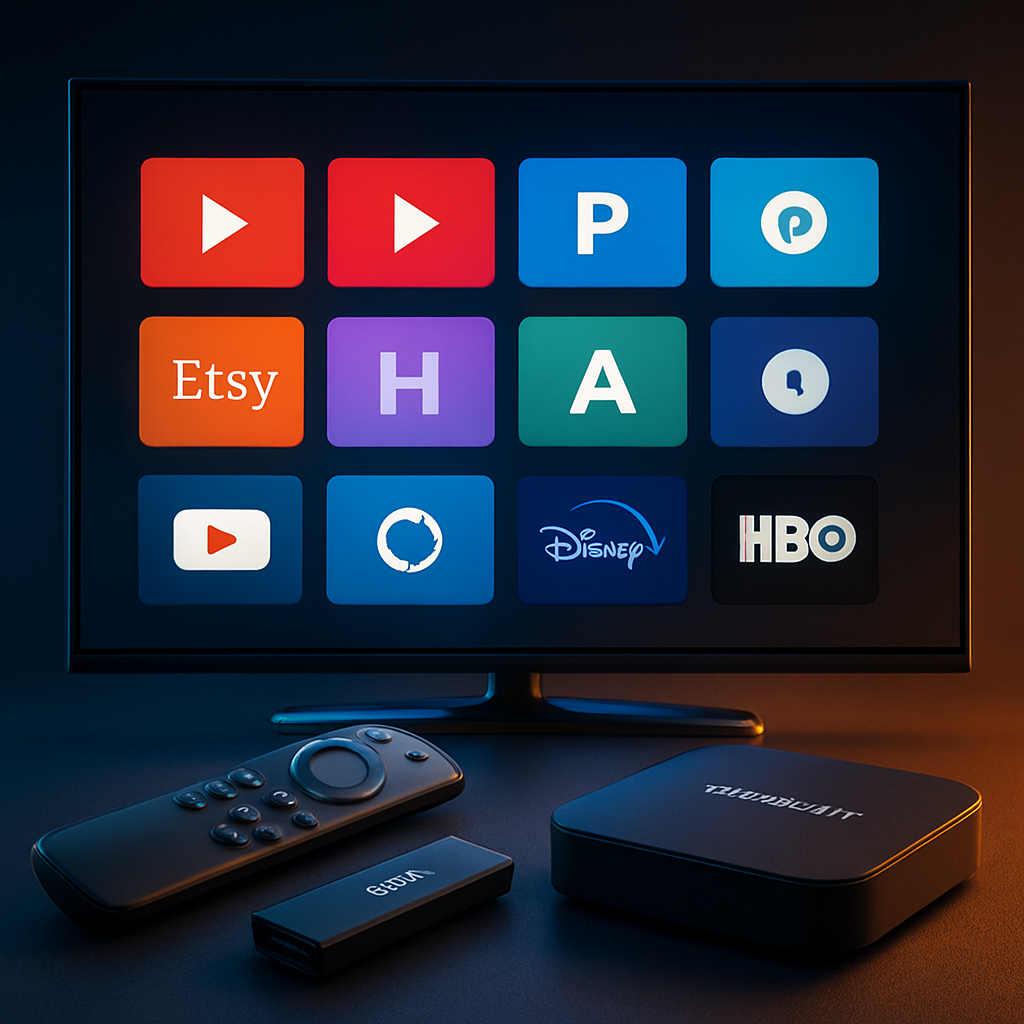
The Firestick is one of the most popular IPTV devices in the world thanks to its low price and portability. Because it runs a version of Android, it supports a broad selection of capable IPTV players available through the Amazon Appstore and other install methods.
Getting the Most from Your Firestick
For the smoothest experience, use a Firestick 4K or 4K Max model, connect over strong Wi-Fi or an ethernet adapter, and close background apps before streaming. These small steps dramatically reduce buffering and keep 4K playback crisp.
Pair the best app with the best service
Telly4K is fully optimized for Firestick and Android TV, delivering smooth 4K/FHD streams on any quality player. Explore our plans and elevate your setup.
Best IPTV Apps for Android TV
Android TV and Google TV devices have direct access to the Google Play Store, which offers the widest and most up-to-date selection of IPTV players. Many of these apps are purpose-built for the big screen, with polished interfaces designed for remote navigation.
Look for players that support both M3U playlists and login-based subscriptions, offer robust EPG handling, and update regularly. Regular updates matter because they keep the app compatible with the latest Android TV releases and fix playback bugs quickly.
How to Install an IPTV App
Installing an IPTV player on either platform is straightforward. The exact steps mirror our Smart TV setup guide, but here is the short version.
- 1Open the Amazon Appstore (Firestick) or Google Play Store (Android TV).
- 2Search for a well-reviewed IPTV player and install it.
- 3Open the app and add your subscription via login or playlist URL.
- 4Let the channels and EPG load, then organize your favorites.
Final Thoughts
The best IPTV app is the one that feels invisible — it just works, letting your content take center stage. Prioritize a clean interface, strong EPG support, and smooth playback, and pair it with a reliable provider. Do that, and your inexpensive Firestick or Android TV box becomes a genuinely premium entertainment center.
Stream in 4K on any device
Telly4K delivers premium IPTV across Firestick, Android TV, and every major platform. Compare plans and start streaming your favorite content today.
Frequently Asked Questions
The best app is one with a clean interface, full EPG support, and smooth 4K playback. Several reputable players are available for Firestick; your provider can recommend the best match for your subscription.
Yes, but for the smoothest 4K experience, a Firestick 4K or 4K Max is recommended due to its faster processor and better Wi-Fi.
Yes. Android TV and Google TV devices have direct access to the Play Store, which offers a wide selection of IPTV player apps.
Buffering is usually caused by a weak Wi-Fi connection or background apps using resources. Use a strong connection, close other apps, and consider an ethernet adapter.
Many IPTV player apps are free or low-cost, but they require a separate subscription from an IPTV provider to access channels and content.
Most quality IPTV players let you save and switch between multiple playlists or subscriptions, which is handy if you manage more than one account.