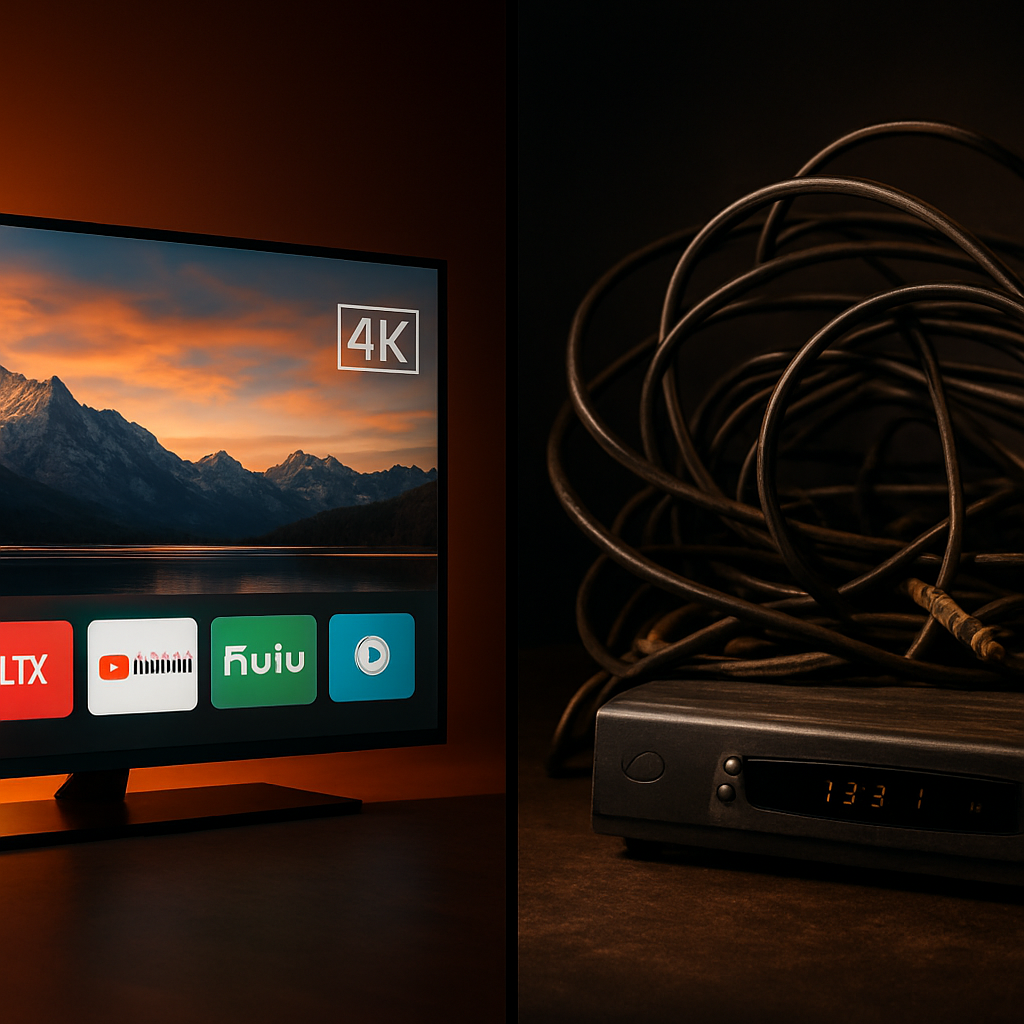
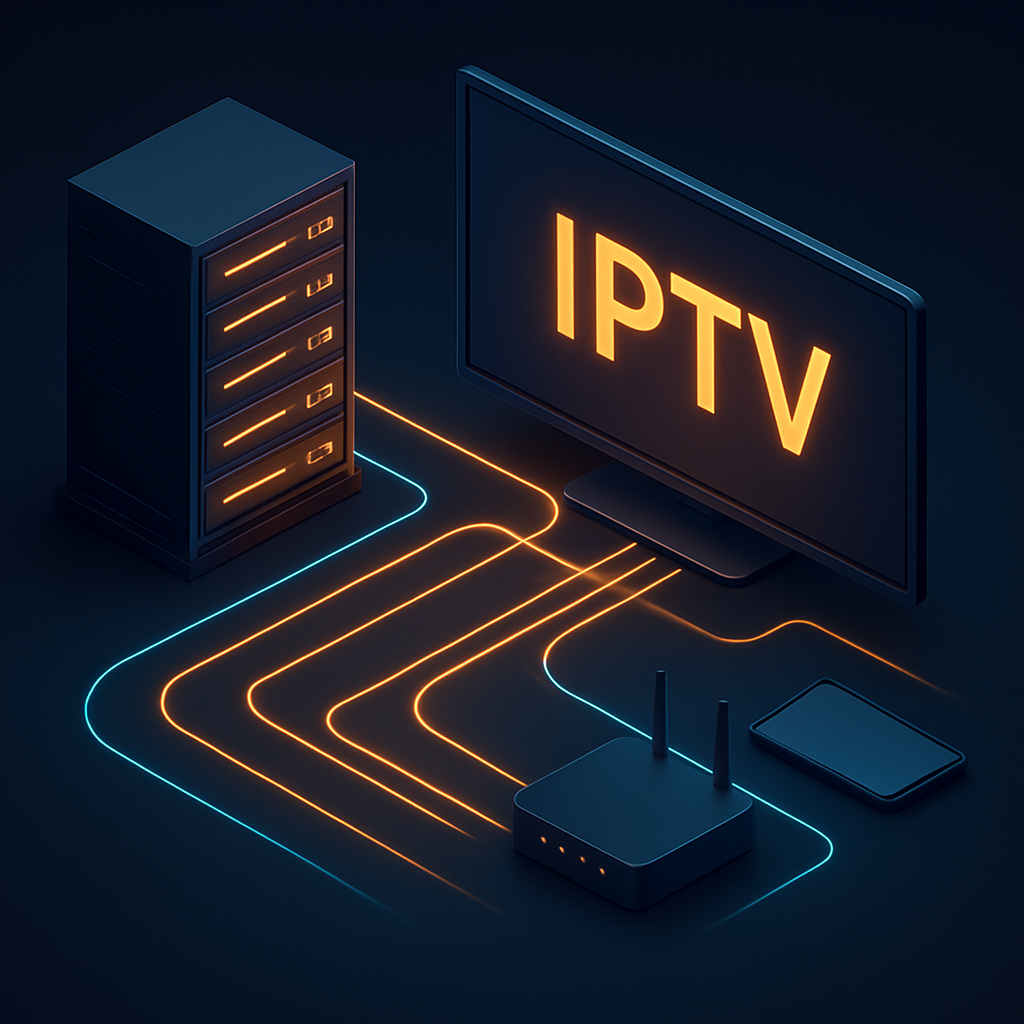
If you have heard friends rave about IPTV but felt lost in the jargon, you are in the right place. IPTV — short for Internet Protocol Television — sounds technical, but the core idea is refreshingly simple: instead of receiving television through a satellite dish or coaxial cable, you receive it through your internet connection, the same way you stream music or browse the web.
In this beginner's guide we will demystify the entire process, from how a live channel travels across the internet to how it ends up playing smoothly on your screen. No engineering degree required.
What Is IPTV, Really?
Traditional television broadcasts a fixed signal to everyone at once — you tune in to whatever is being transmitted at that moment. IPTV flips that model. Content is stored on servers and delivered to you on demand, in small data packets, over the internet. Your device reassembles those packets into the video you watch in real time.
This is why IPTV feels so flexible. Because everything travels as data, providers can offer live channels, video-on-demand libraries, catch-up TV, and electronic program guides all through a single app. It is television built on the same foundation as the modern internet.
The Three Types of IPTV
- Live IPTV: real-time streaming of channels such as sports, news, and entertainment — the closest equivalent to traditional broadcast TV.
- Video on Demand (VOD): a library of movies and series you can play whenever you like, similar to popular streaming apps.
- Time-shifted / catch-up TV: lets you watch programs that already aired, rewinding the schedule on your own terms.
How an IPTV Stream Travels to Your Screen
Let's follow a single live channel on its journey. First, the original broadcast is captured and encoded — compressed into an efficient digital format so it can travel quickly without eating up enormous bandwidth. That encoded stream is stored and distributed across the provider's servers.
When you tap a channel in your IPTV app, your device sends a request over the internet. The provider's servers respond by streaming the content to you in a continuous flow of data packets. Your app buffers a few seconds ahead to smooth out any hiccups, then plays the video. All of this happens in the blink of an eye.
The Role of Servers and Load Balancing
The quality you experience depends heavily on the provider's server infrastructure. Premium providers distribute traffic across many load-balanced servers, so that when millions of viewers tune in for a big match, no single server is overwhelmed. This is the technology behind 'anti-freeze' streaming and is the main reason premium IPTV stays smooth while cheap services stutter.
Want streaming that just works?
Telly4K runs on load-balanced servers with anti-freeze technology for buttery-smooth 4K playback. Discover our plans and see the difference quality infrastructure makes.
What You Need to Use IPTV
Getting started with IPTV is far simpler than setting up a satellite dish. You need just three things, all of which most people already have or can get in minutes.
- 1A stable internet connection — 15 Mbps or more for HD, 25 Mbps+ for 4K.
- 2A compatible device such as a Smart TV, Firestick, Android TV box, phone, or computer.
- 3An IPTV subscription and a player app to load it.
Apps and Players
An IPTV player is the app that turns your subscription into a watchable interface — showing your channel list, program guide, and VOD catalog. Popular players run on nearly every platform, and a good provider will tell you exactly which app to use and how to load your details. If you want a step-by-step walkthrough, see our guide on setting up IPTV on Smart TVs.
Common Misconceptions About IPTV
Because IPTV is newer than cable, a few myths persist. Let's clear up the big ones so you can start with realistic expectations.
- 'IPTV is complicated.' In reality, modern apps make setup a five-minute task — often as easy as installing any other TV app.
- 'IPTV always buffers.' Buffering is usually a sign of a weak internet connection or a low-quality provider, not of IPTV itself.
- 'You need special hardware.' Most people already own a compatible device; no dish or proprietary box required.
Final Thoughts
At its heart, IPTV is simply television delivered over the internet — flexible, on-demand, and device-friendly. Once you understand that streams are data packets served from reliable servers, the rest falls into place. With a stable connection and a quality provider, you get a richer, more convenient TV experience than traditional broadcasting can offer.
Start your IPTV journey
Now that you know how it works, see how easy it is to get going. Explore Telly4K plans and stream your first channel in minutes.
Frequently Asked Questions
IPTV stands for Internet Protocol Television. It means television content is delivered over the internet rather than through satellite or cable signals.
They use similar underlying technology, but IPTV typically focuses on live TV channels alongside on-demand content, whereas services like Netflix are on-demand only.
No. IPTV works on devices you likely already own, including Smart TVs, Firestick, Android TV boxes, phones, tablets, and computers.
A minimum of 15 Mbps is recommended for HD streaming, while 25 Mbps or more ensures smooth 4K playback.
Buffering is most often caused by a slow or unstable internet connection. It can also happen with low-quality providers that lack sufficient server capacity.
Yes, though the number of simultaneous streams depends on your plan. Many providers let you add extra connections if you want to watch on several devices at once.